Use this guide to create a Preseen forecast question from scratch. Red circles in the screenshots show where to click or focus.
You need a Preseen account and one question about the future. Good questions are specific, measurable, and tied to a resolution date.
Create your first Preseen forecast walkthrough
Create your first Preseen forecast walkthrough
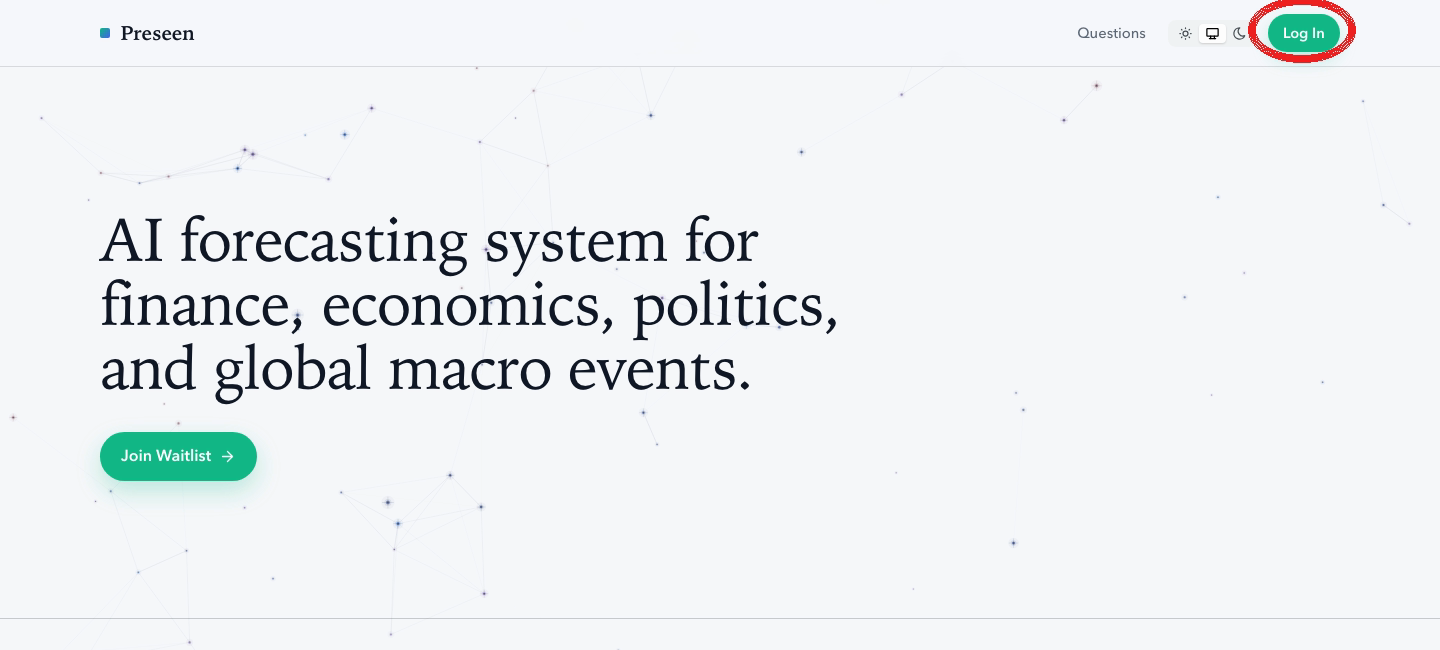
Go to preseen.com and click Log In.
Preseen landing page with Log In highlighted
Click New question and enter a clear title.
Example:
Will the Fed cut the federal funds rate at the June 2026 FOMC meeting?
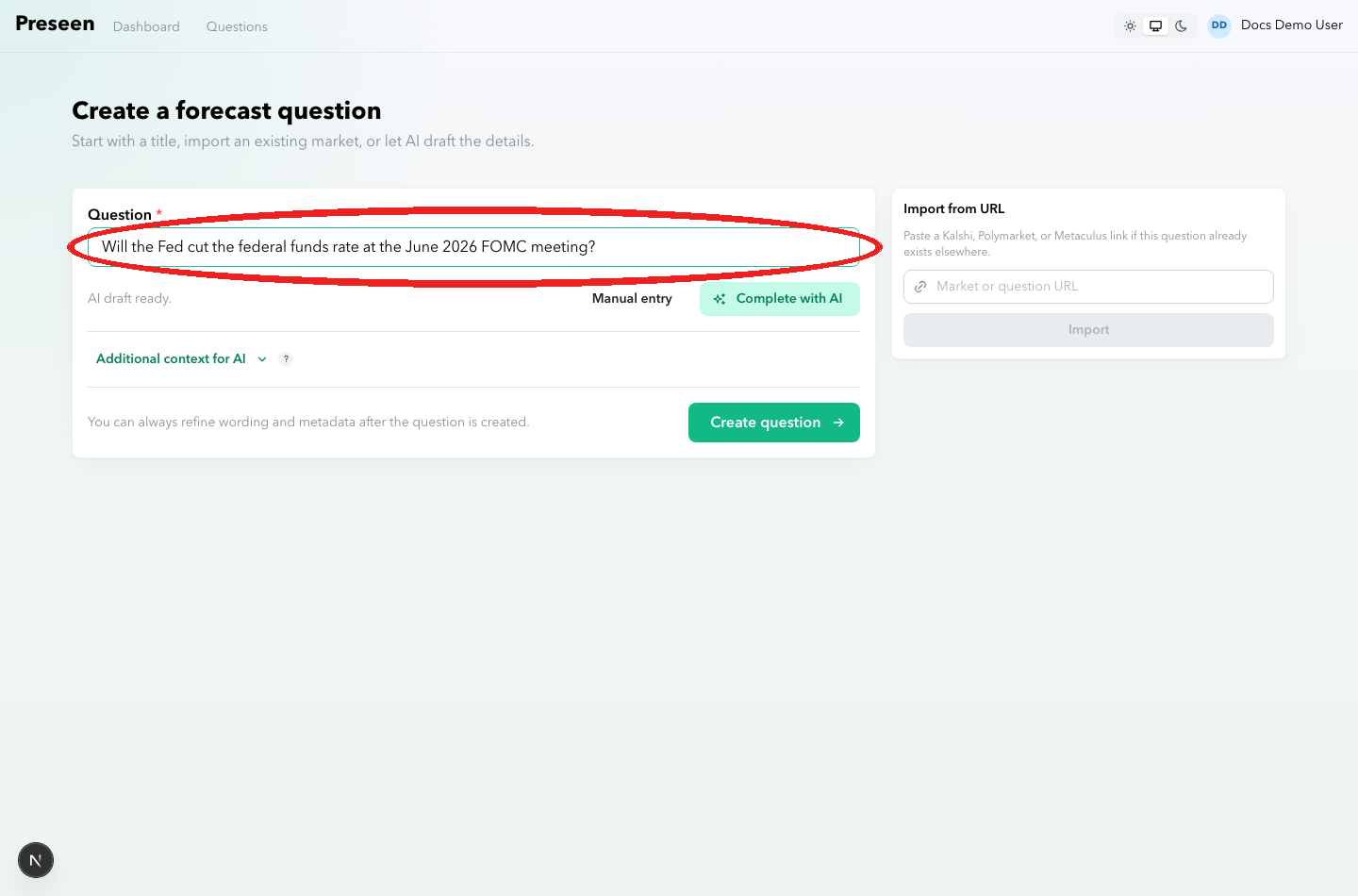
New question form with title field highlighted
Click Complete with AI. Preseen drafts the question type, description, resolution criteria, resolution check date, and fine print.
Before saving, read the Resolution criteria.
Optional: open Additional context for AI near the bottom of the form if you want to give Preseen guidance that should shape the draft or future forecasts. Use it for sources to prioritize, assumptions to test, background context, or constraints for the forecaster.
Keep objective resolution rules in Resolution criteria. Additional context for AI is for research guidance; it should not replace the question's source of truth.
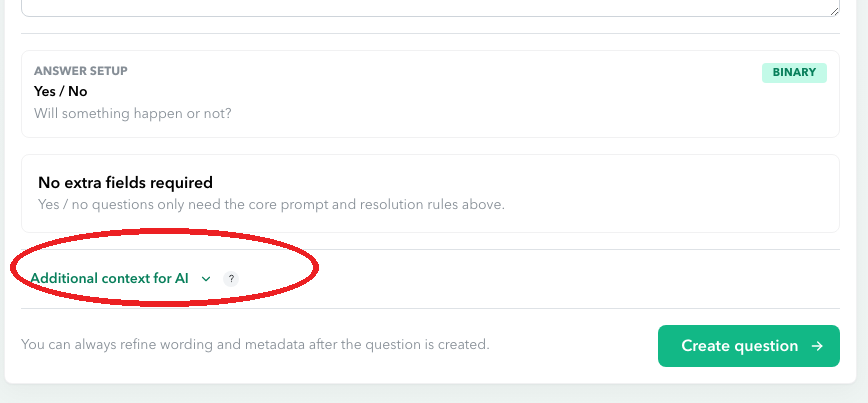
Additional context for AI setting highlighted at the bottom of the question form
Then click Create question.
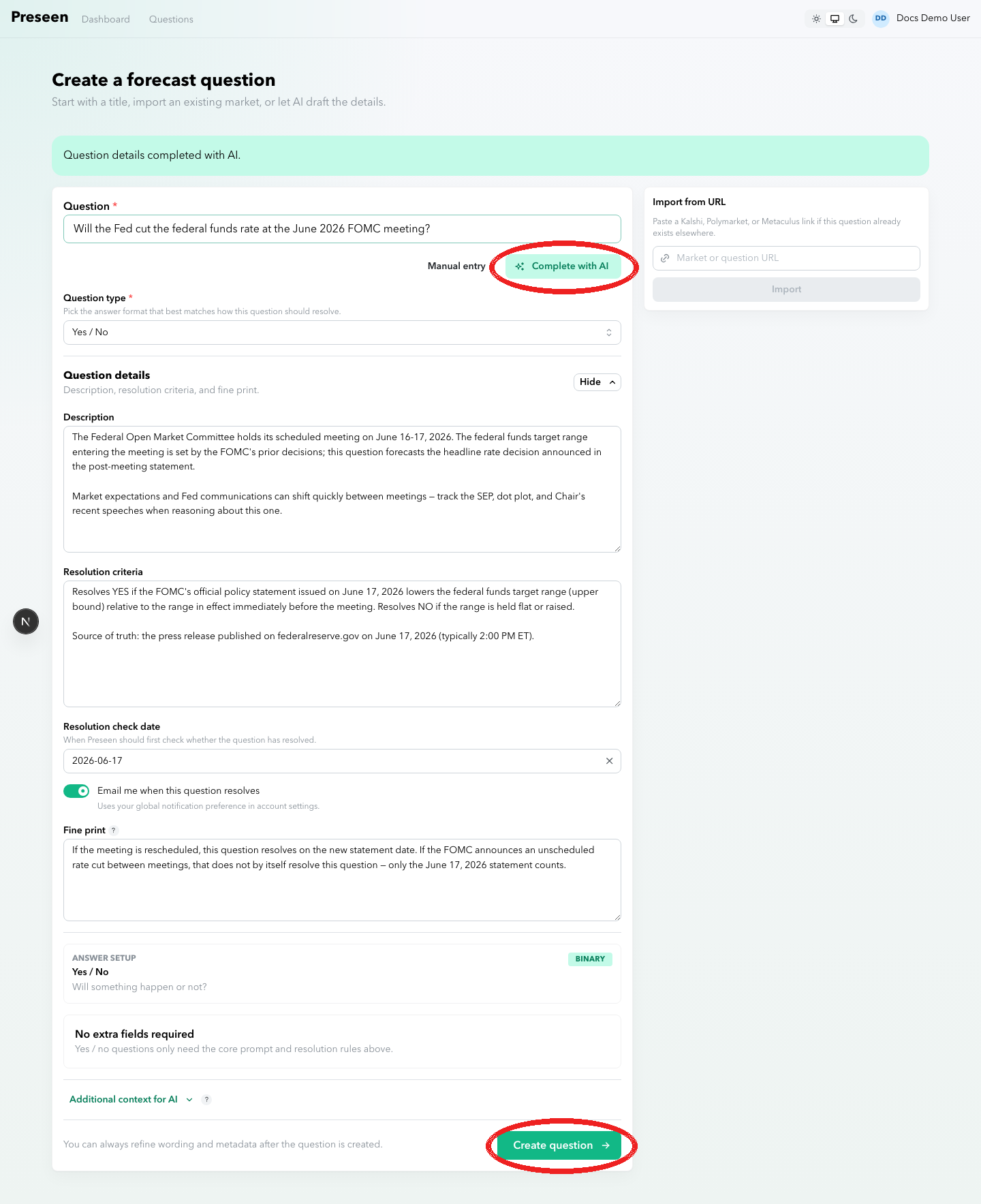
AI-completed question fields with Complete with AI and Create question highlighted